Everything a FileMaker deployment needs
From a Claris license page to signed installers that set up FileMaker Pro without questions: for one organization, or for every customer you look after.
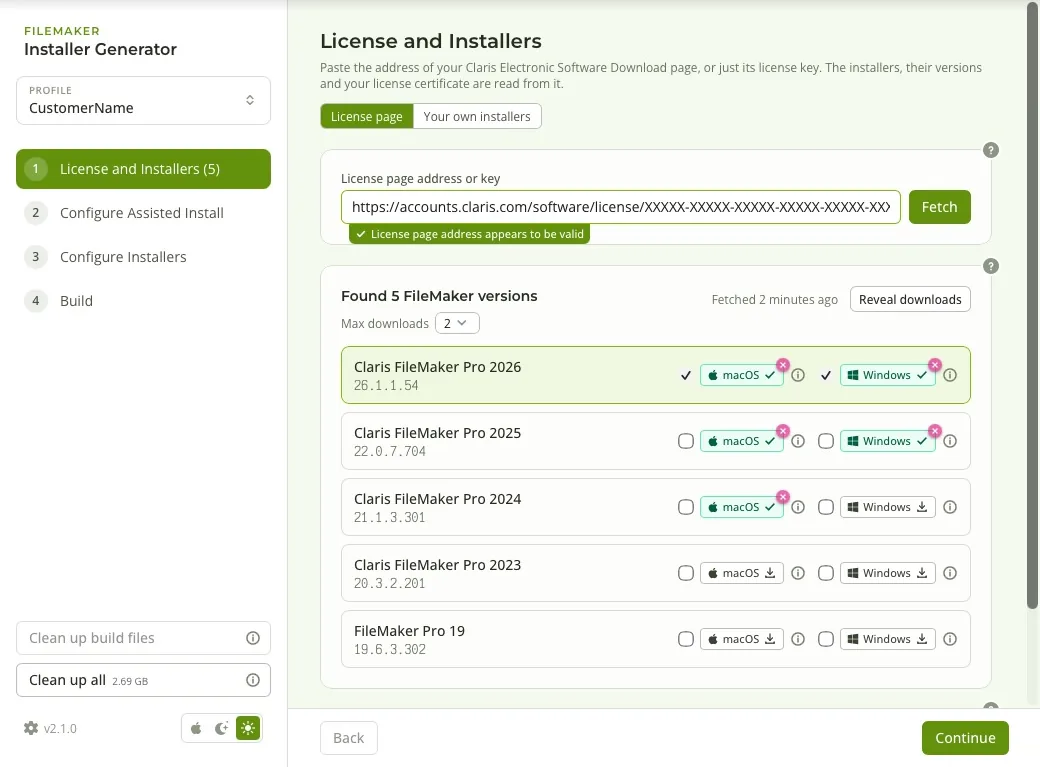
Your license page, or your installers
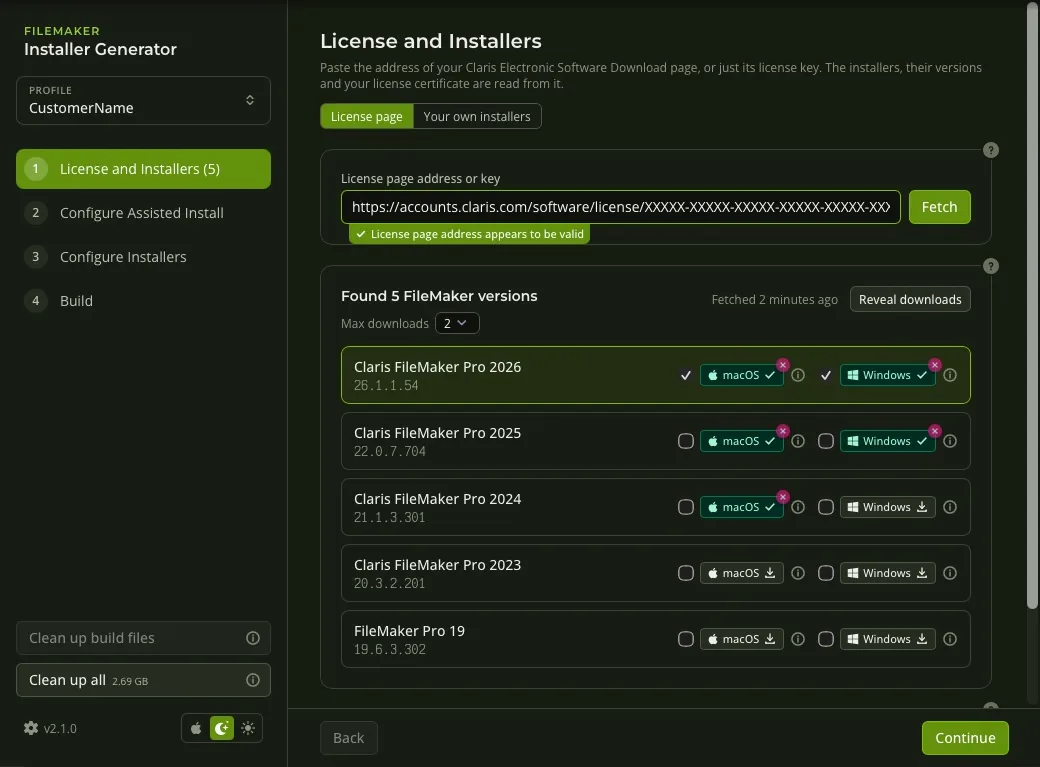
Paste the address of your Claris Electronic Software Download page, or just the license key. The app reads everything else from it.
- Every FileMaker version the license covers, with macOS and Windows downloads.
- The license certificate is fetched for you, and its expiry date is shown.
- No license page? Add .dmg and .exe files you already have; versions are read from the files.
- Downloads are shared between profiles, so each installer is fetched once.
Assisted Install, built in
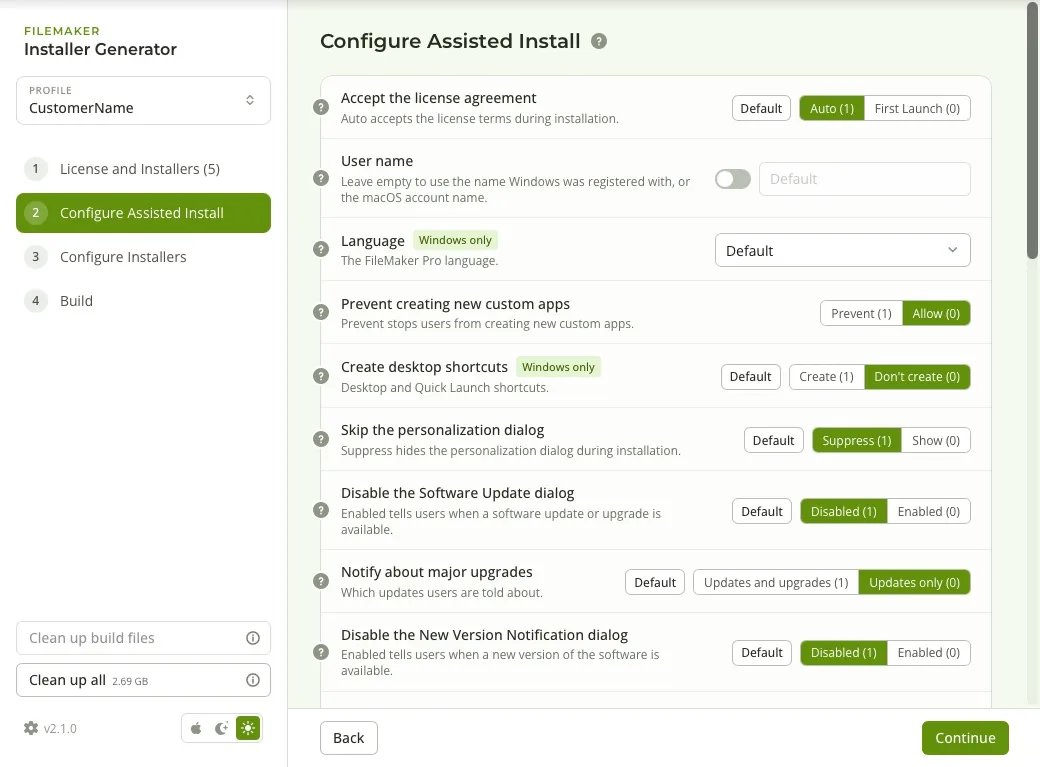
Your installation settings and license certificate go into every installer, so FileMaker Pro installs without anyone entering a key or clicking through setup.
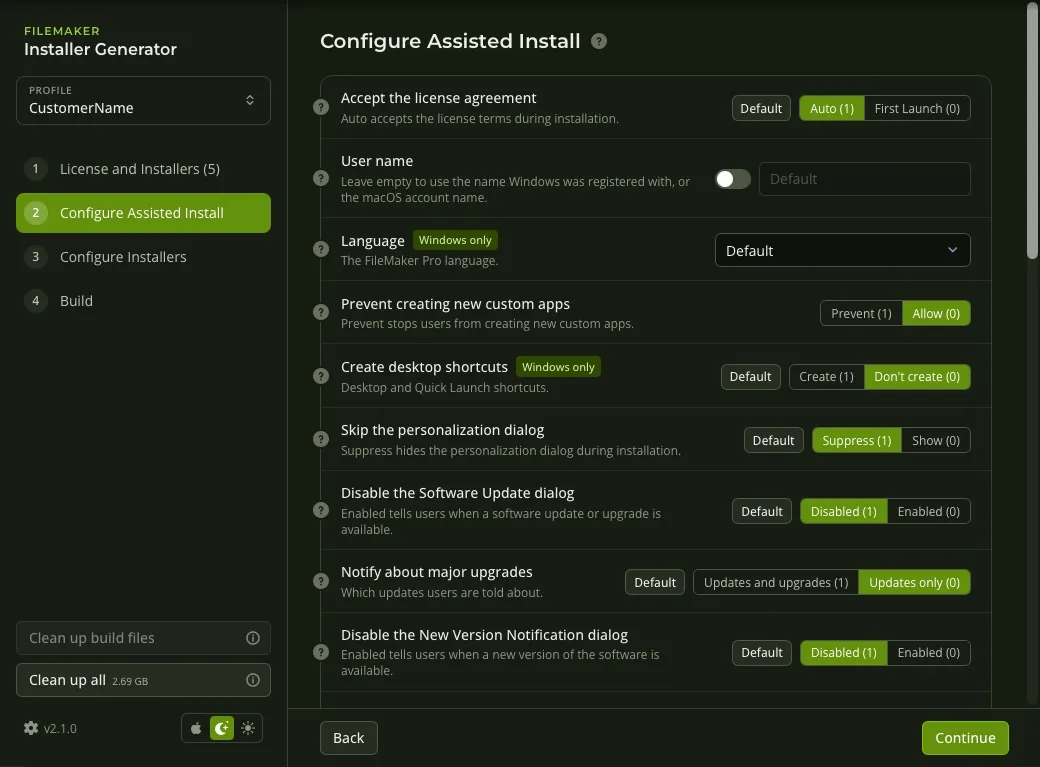
- Every Assisted Install setting, explained in plain words, with FileMaker's own default one click away.
- User name, organization, update and announcement prompts, shortcuts, plug-ins and more.
- Platform-specific settings are marked, so you know what applies where.
Signed and notarized
Installers that open without security warnings and that deployment tools accept.
- macOS packages signed with your Developer ID Installer certificate and notarized by Apple, with the ticket stapled.
- Windows installers signed with Azure Artifact Signing or your own certificate file, from a Mac or a PC.
- Signing profiles hold the details; passwords stay in the Keychain or Credential Manager.
- Step-by-step setup for Apple and Azure, in the docs and in the app.
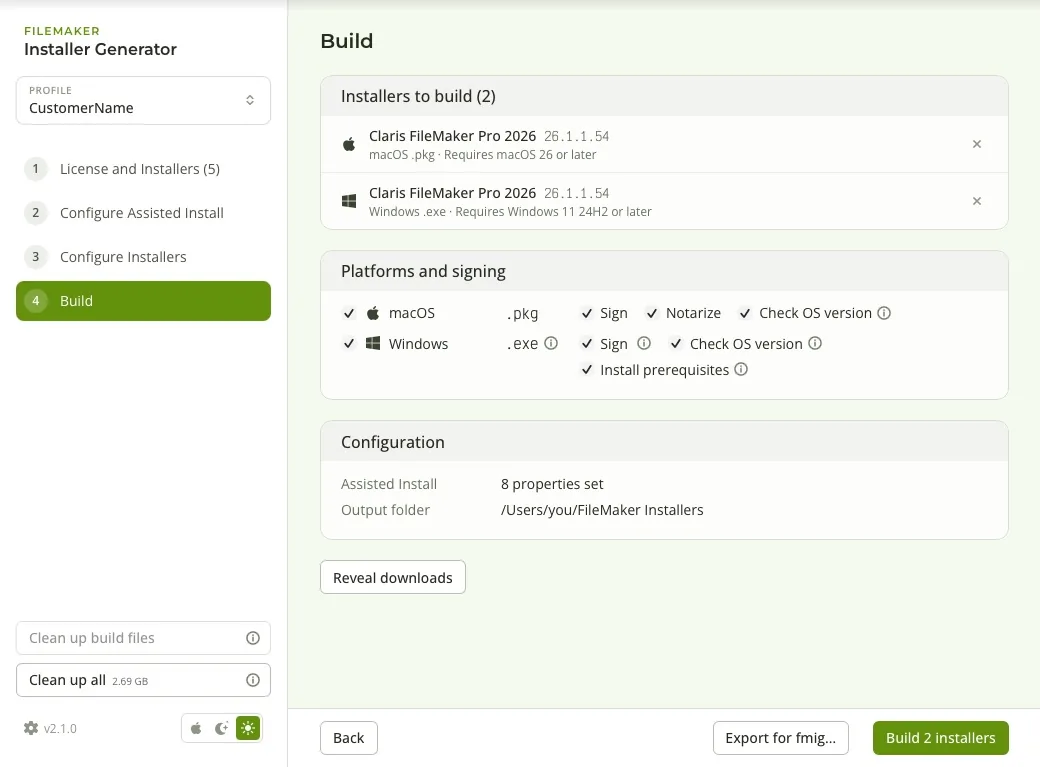
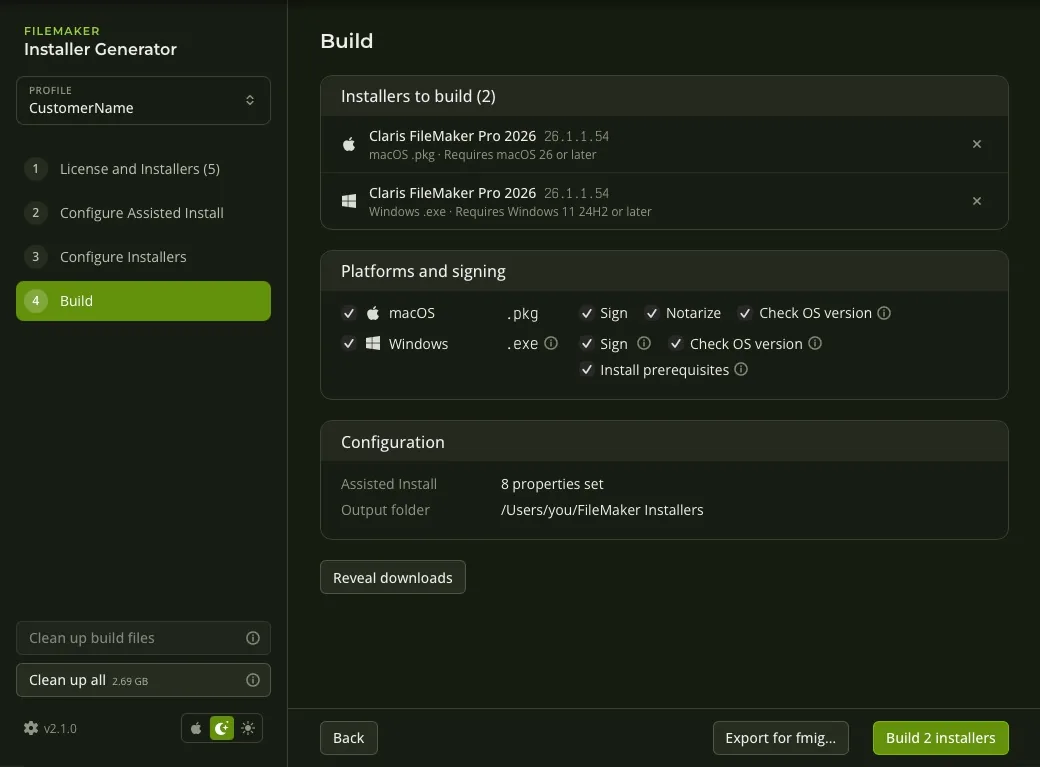
Stops before installing on a system that is too old
We rolled FileMaker Pro 26.1.1 out before every Mac was on macOS 26. The Claris installer went through without complaint, and the app then crashed whenever someone opened a database. Installers built here check first.
- Each installer carries the oldest macOS or Windows version Claris supports for that FileMaker release, and stops on anything older with a message naming both versions. Nothing is installed.
- A silent deployment through your MDM reports a failure, where it used to report a success and leave a broken app.
- The requirements are read from Claris's own page and refreshed as new versions appear. An info icon beside each version shows them.
- On Windows, the installer can also add the prerequisites FileMaker Pro needs when they are missing.
- How the check works, in the docs.
ON AN OLDER MAC
FileMaker Pro 26.1.1 requires macOS 26 or later. This Mac has macOS 15.7. Nothing was installed.
ON AN OLDER PC
FileMaker Pro 26.1.1 requires Windows 11 24H2 or later. This computer has Windows 10 22H2. Nothing was installed.
A profile per customer
Keep each customer, department or license separate, and switch between them from the sidebar.
- Each profile has its own license page, settings, built installers and logs.
- Duplicate a profile to start the next customer from a known-good setup.
- Signing profiles are shared, so one certificate serves every profile.
fmig, for terminals and build servers
The same builds without the window: from a profile, or from a config file exported from the app.
fmig build,fmig profiles,fmig exportandfmig config validate.- Every option can also come from an
FMIG_…environment variable; secrets never go in the config file. - Build on every new FileMaker release with GitLab CI or GitHub Actions.
- Read the fmig docs.
Keeps itself current
The app checks for updates, shows what's new, and can install them when you quit.
- Updates are signed and verified before they install.
- Breaking changes are pinned above the release notes, and installing them asks first.
- Version History lists every release.
macOS or Windows?
The app runs on both, but only a Mac can build macOS packages. To build for both platforms, run it on a Mac.
| On macOS | On Windows | |
|---|---|---|
| Build macOS .pkg installers | Yes | No (needs Apple's tools) |
| Sign and notarize macOS installers | Yes | No |
| Build Windows .exe installers | Yes | Yes |
| Sign Windows installers | Yes | Yes |
| The fmig command-line tool | Settings → Tools → Install | Added to PATH by the installer |